Storeshot — the app store screenshot
generator, composed for you.
Drop in your screenshots, pick a store, pick a vibe. We'll handle palette, typography, and composition.
From a raw screenshot to a store-ready one.
Real before/after pairs from Flag Quiz 3D. Watch them cross the divider — or grab the strip and scrub yourself.
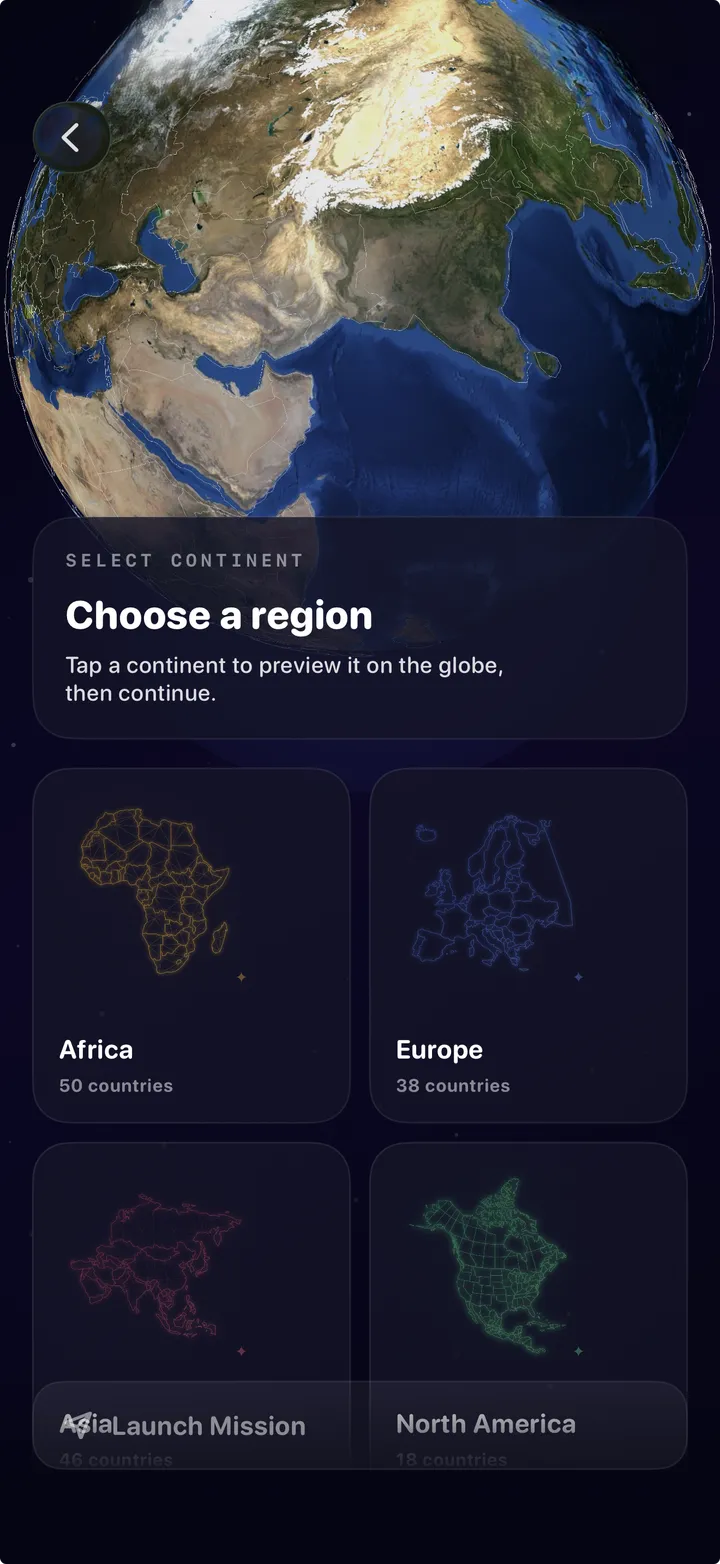
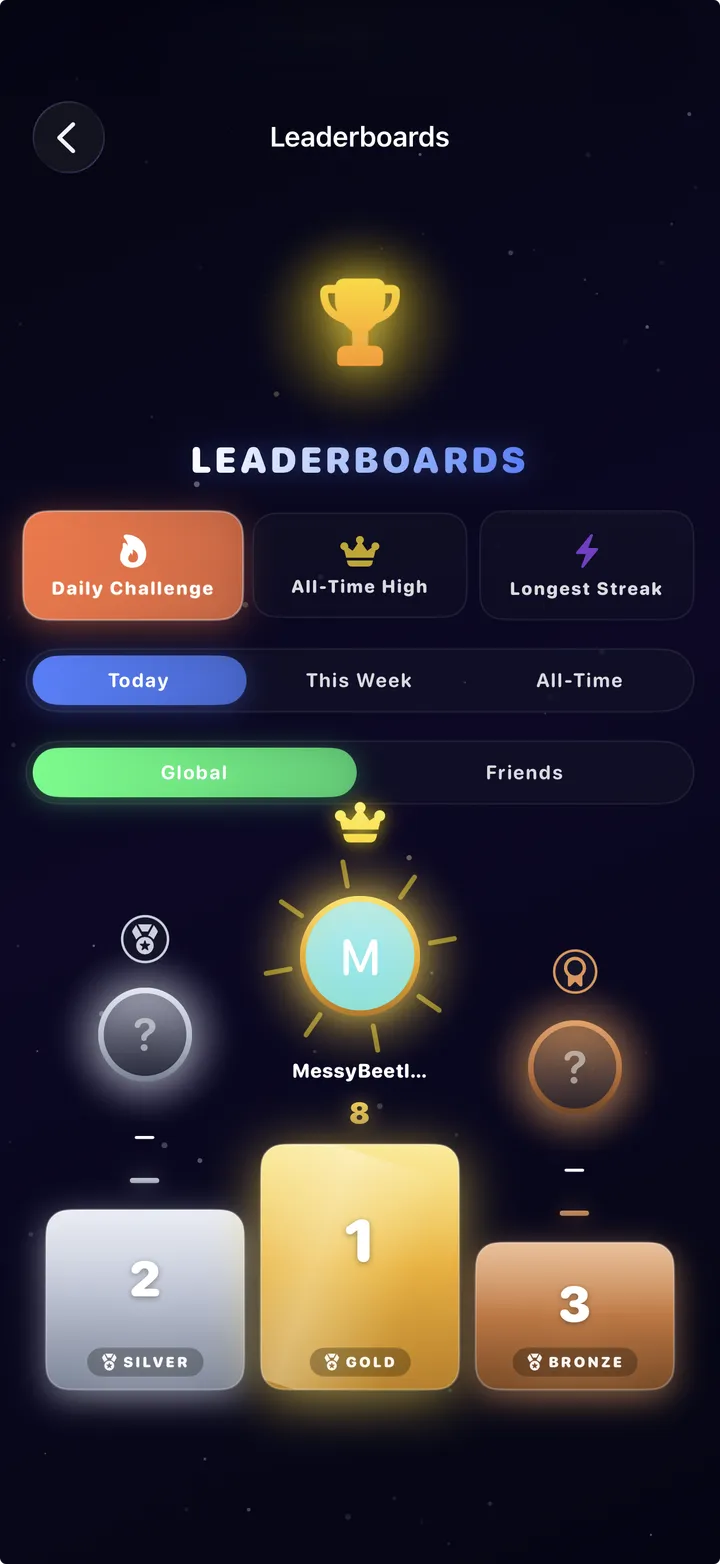
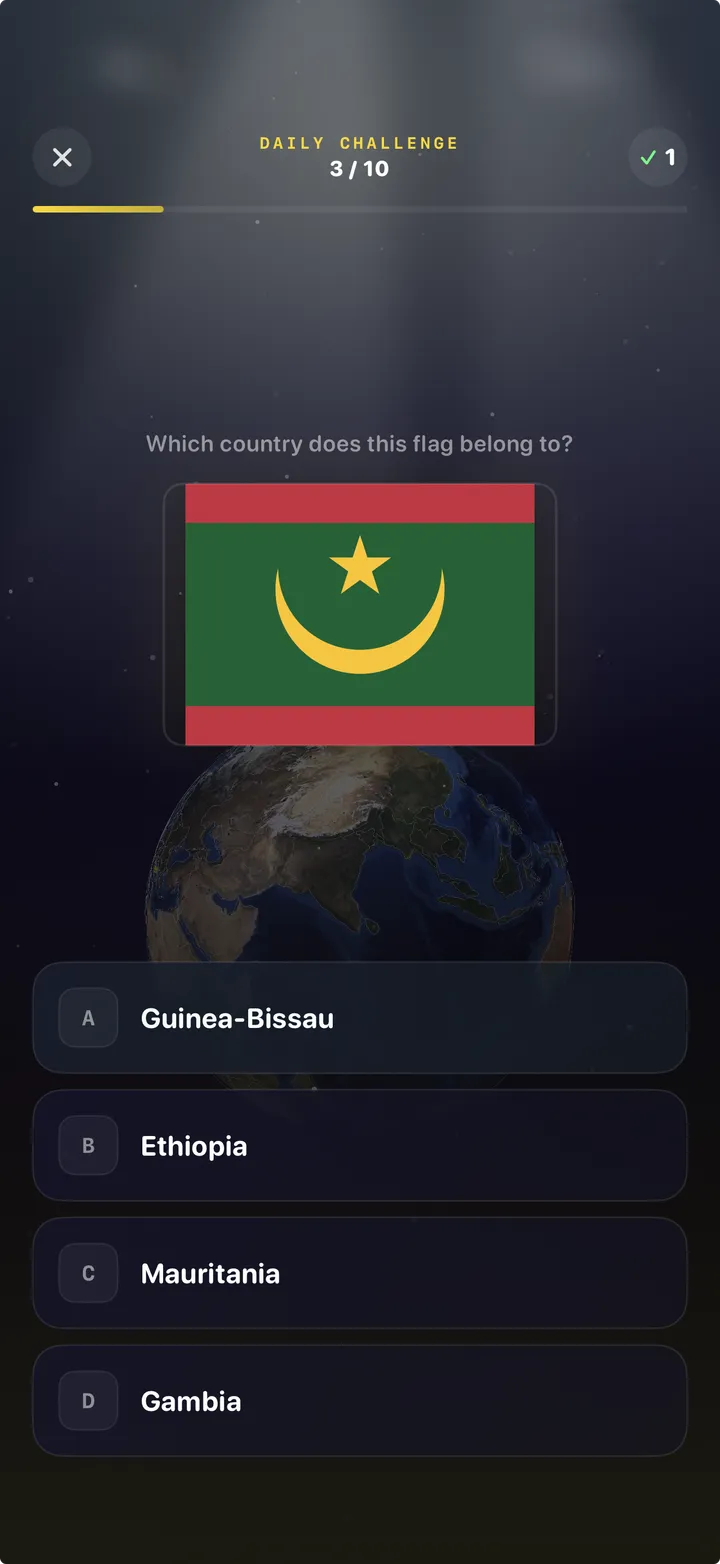
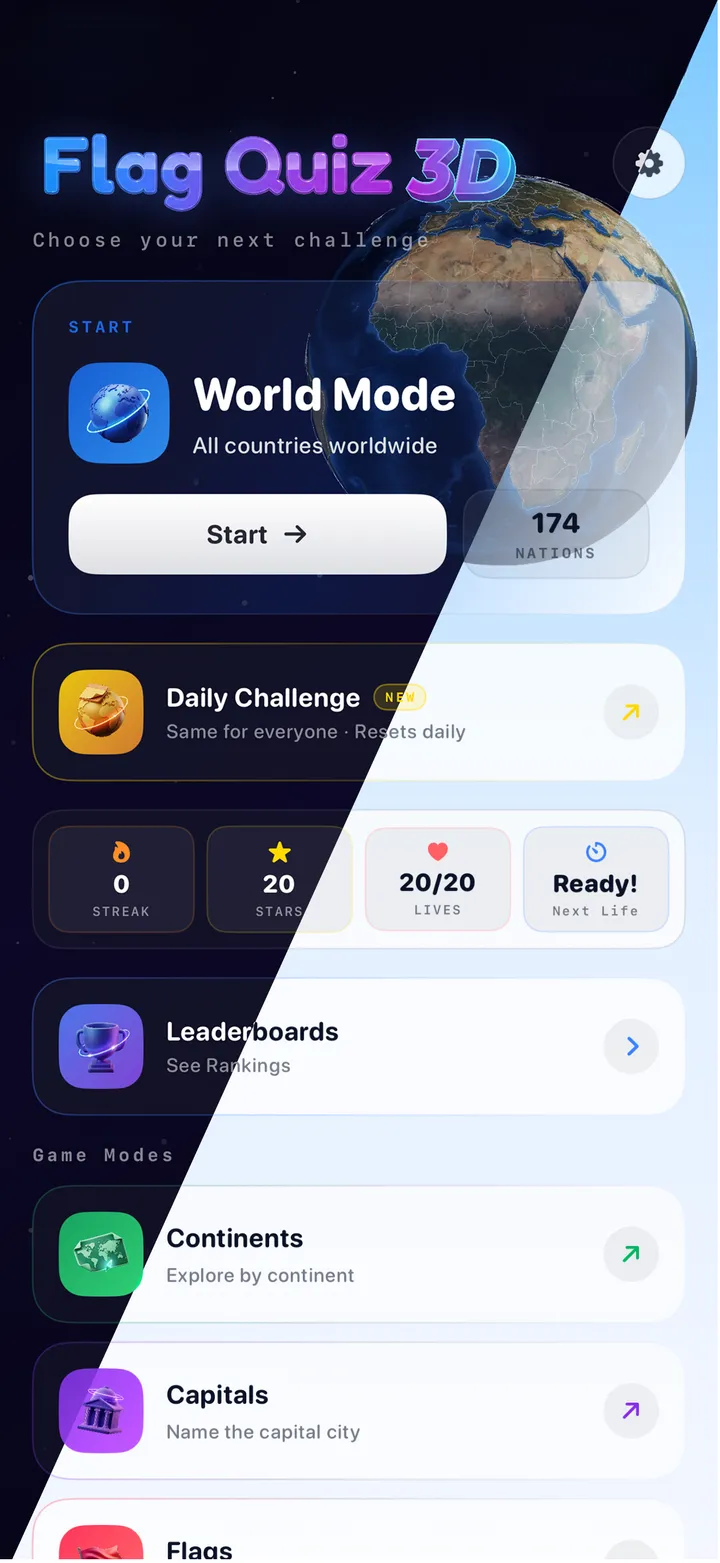
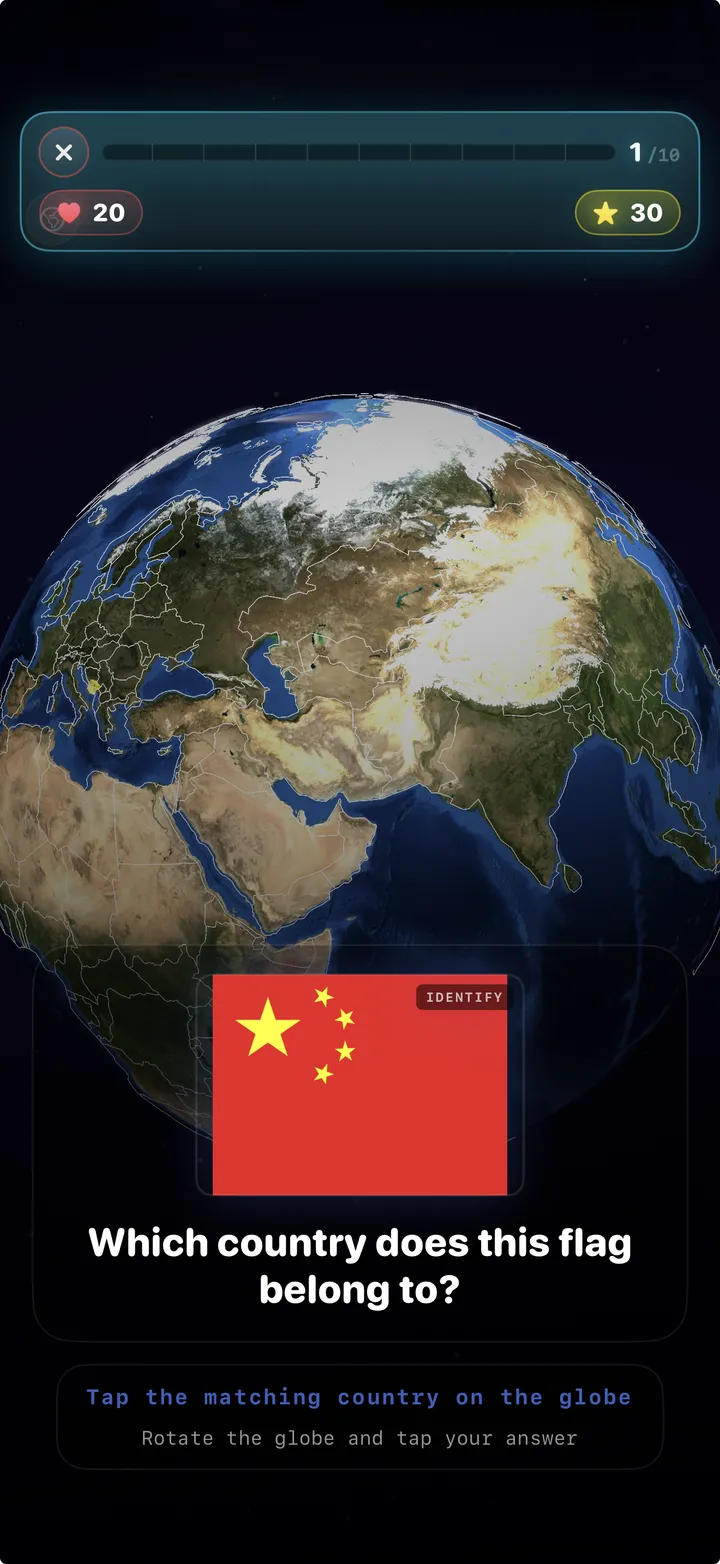
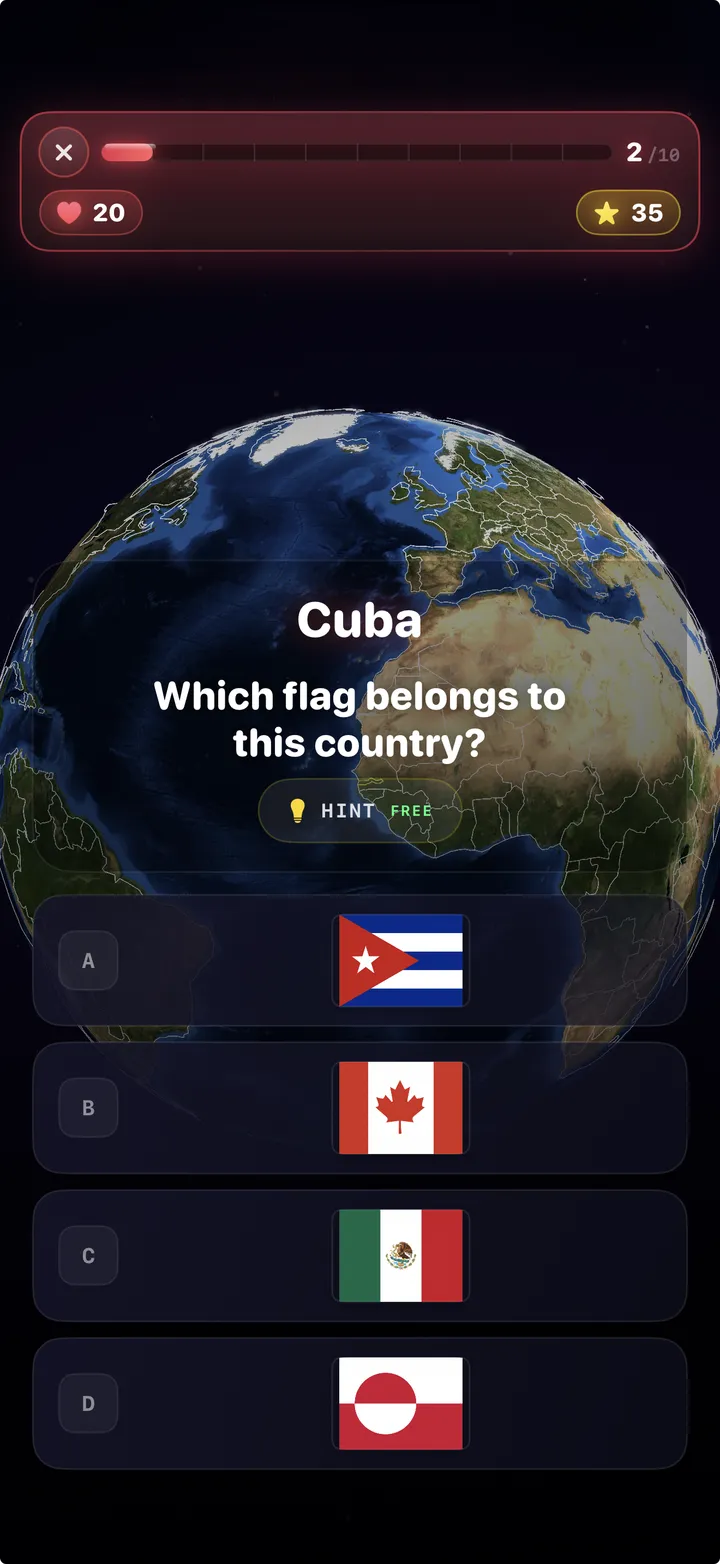
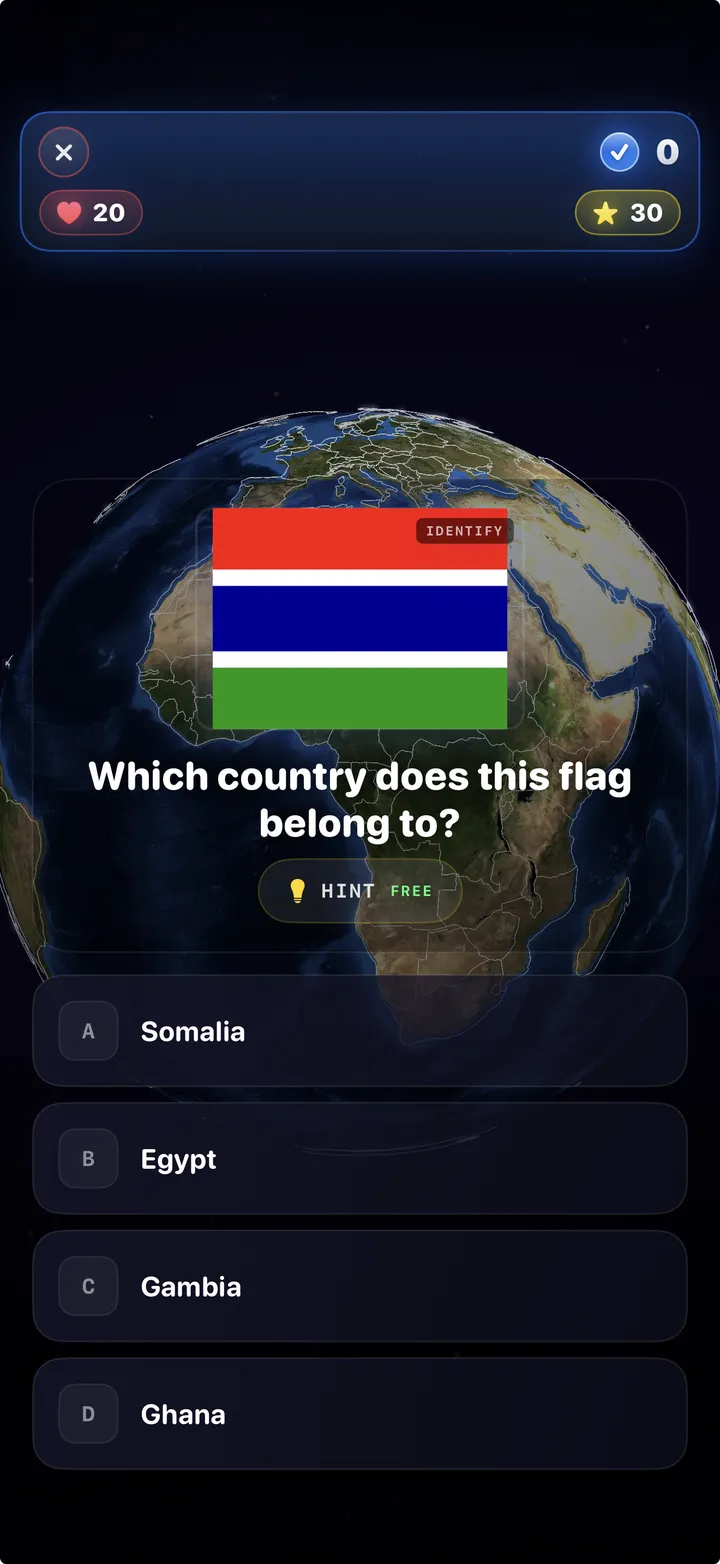
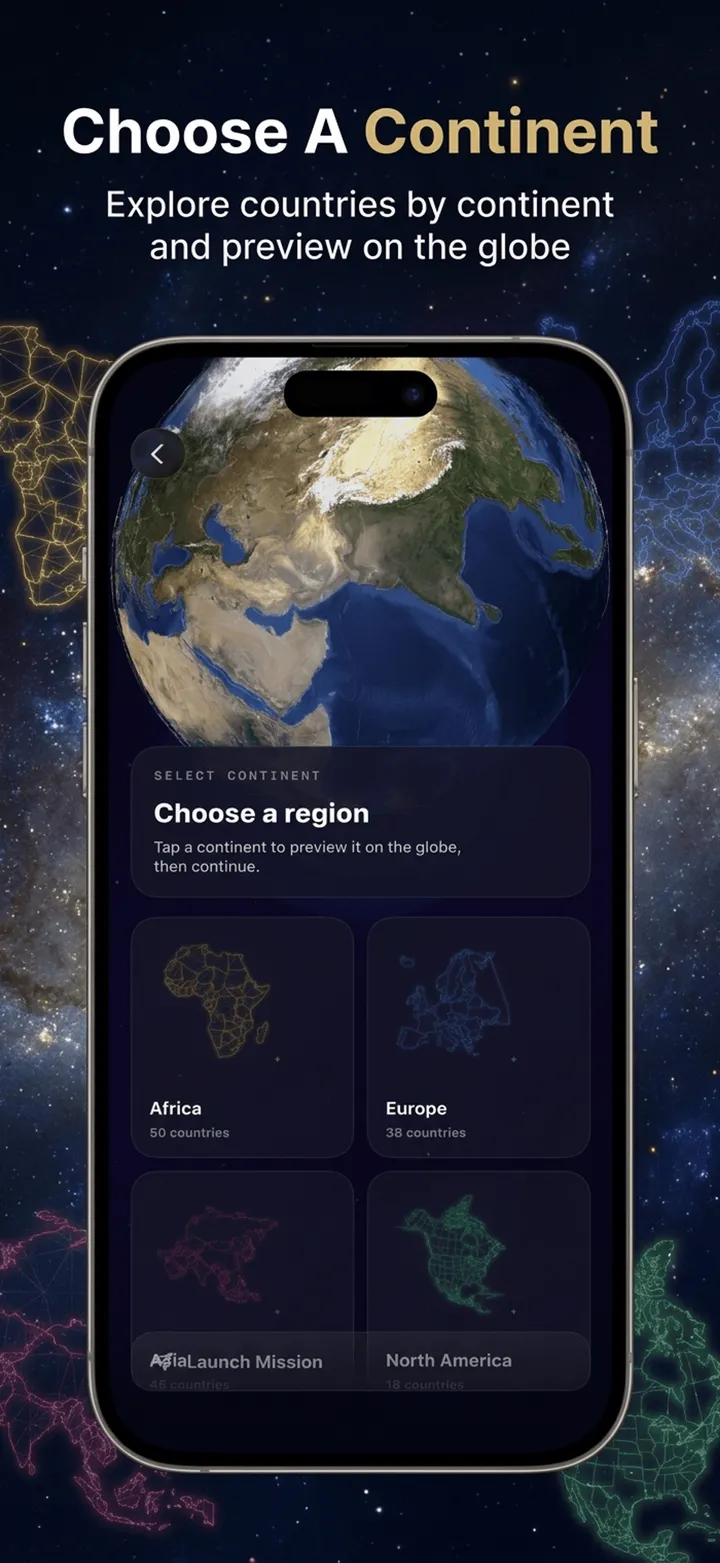
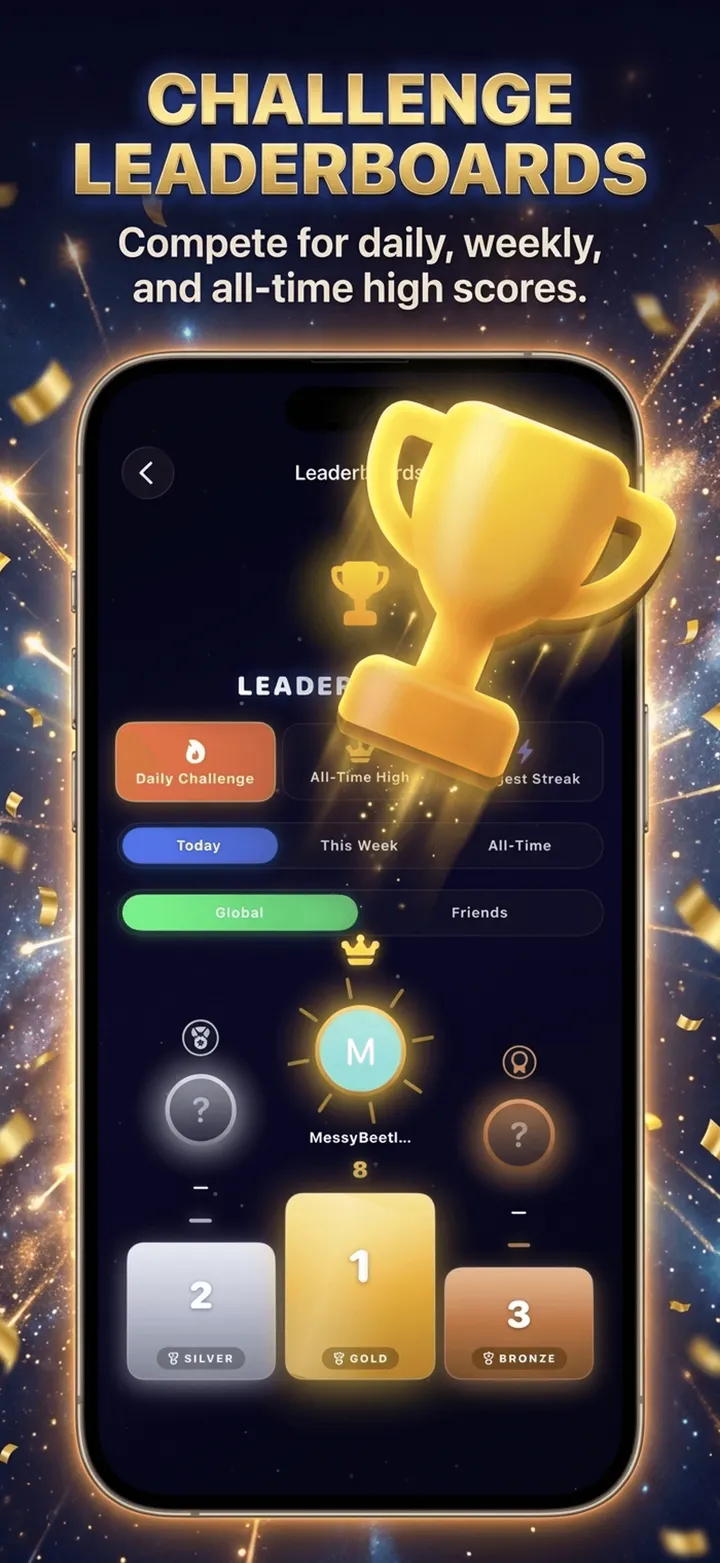
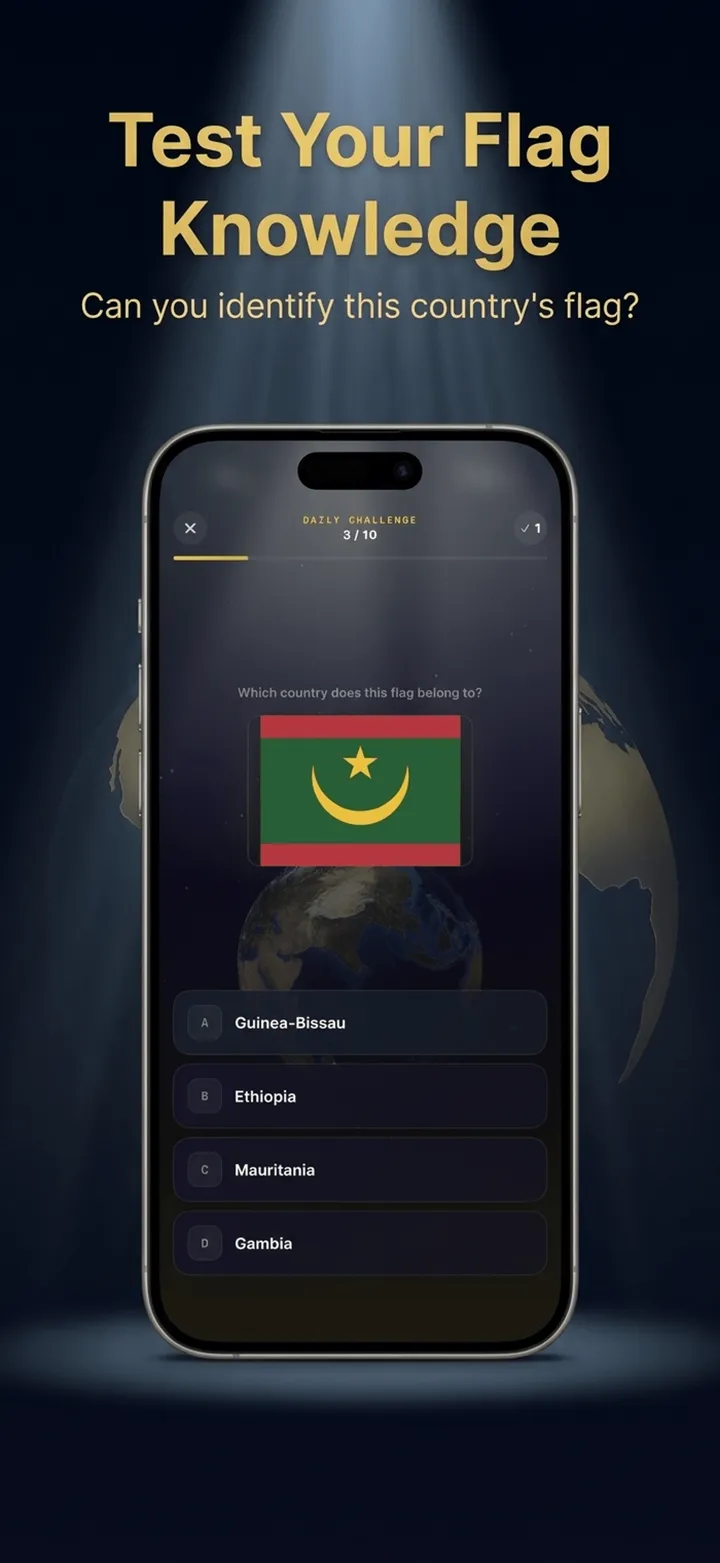
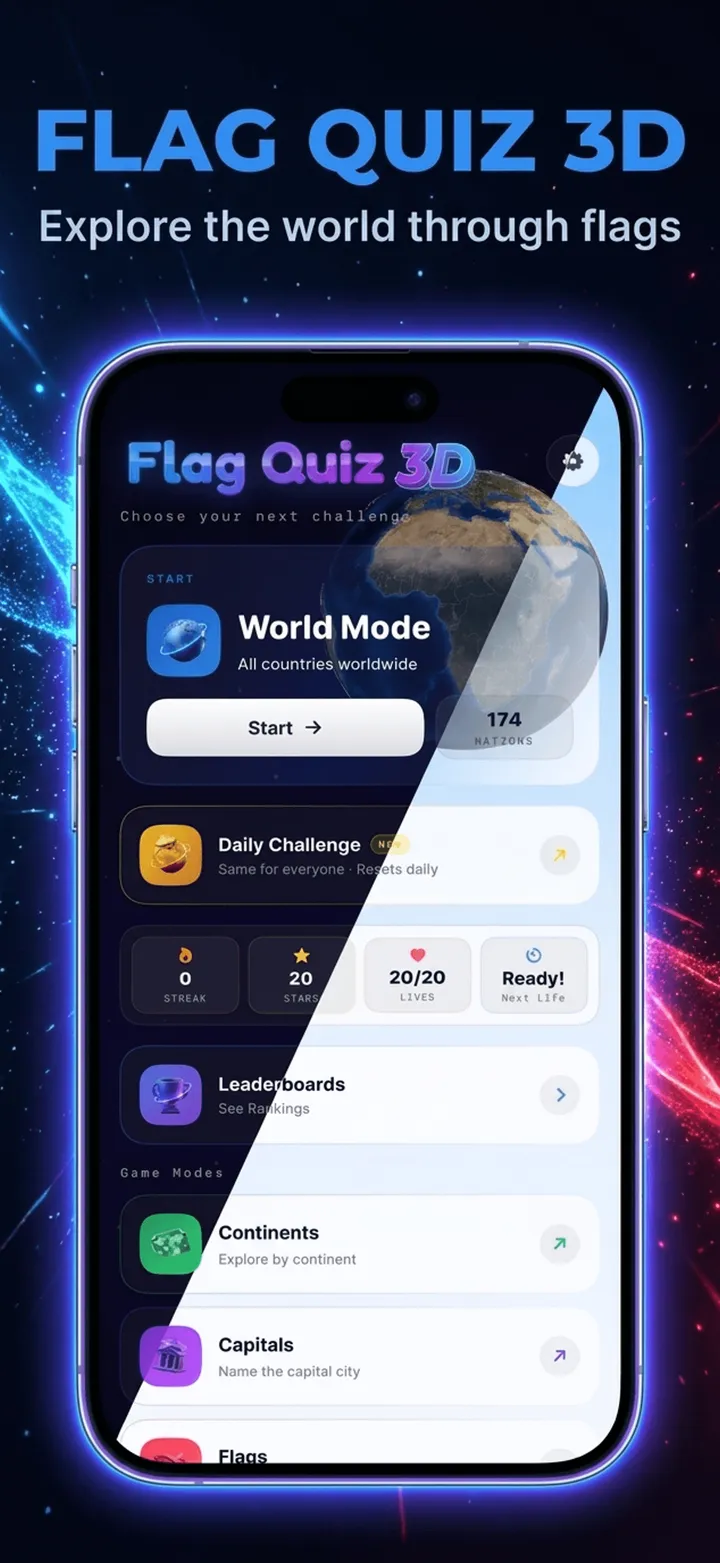
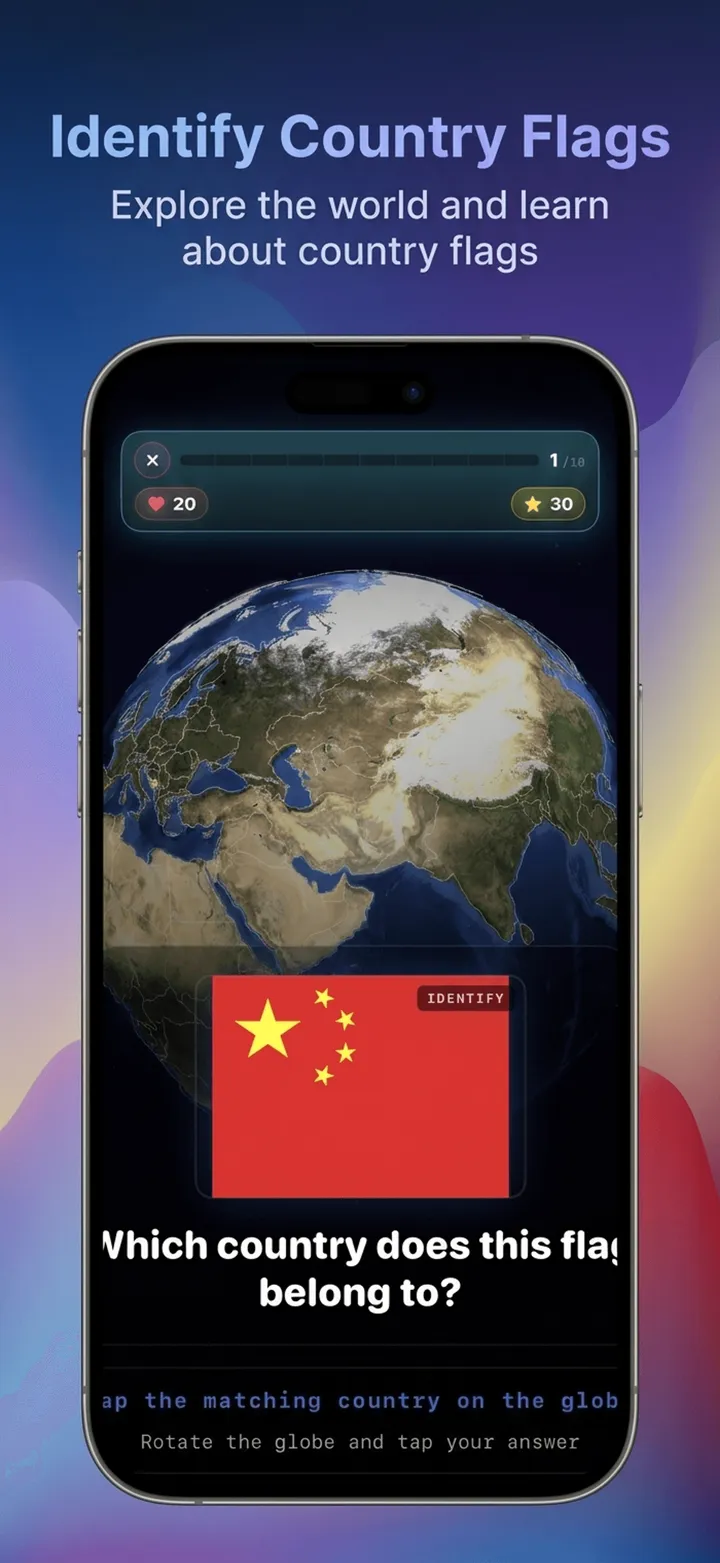
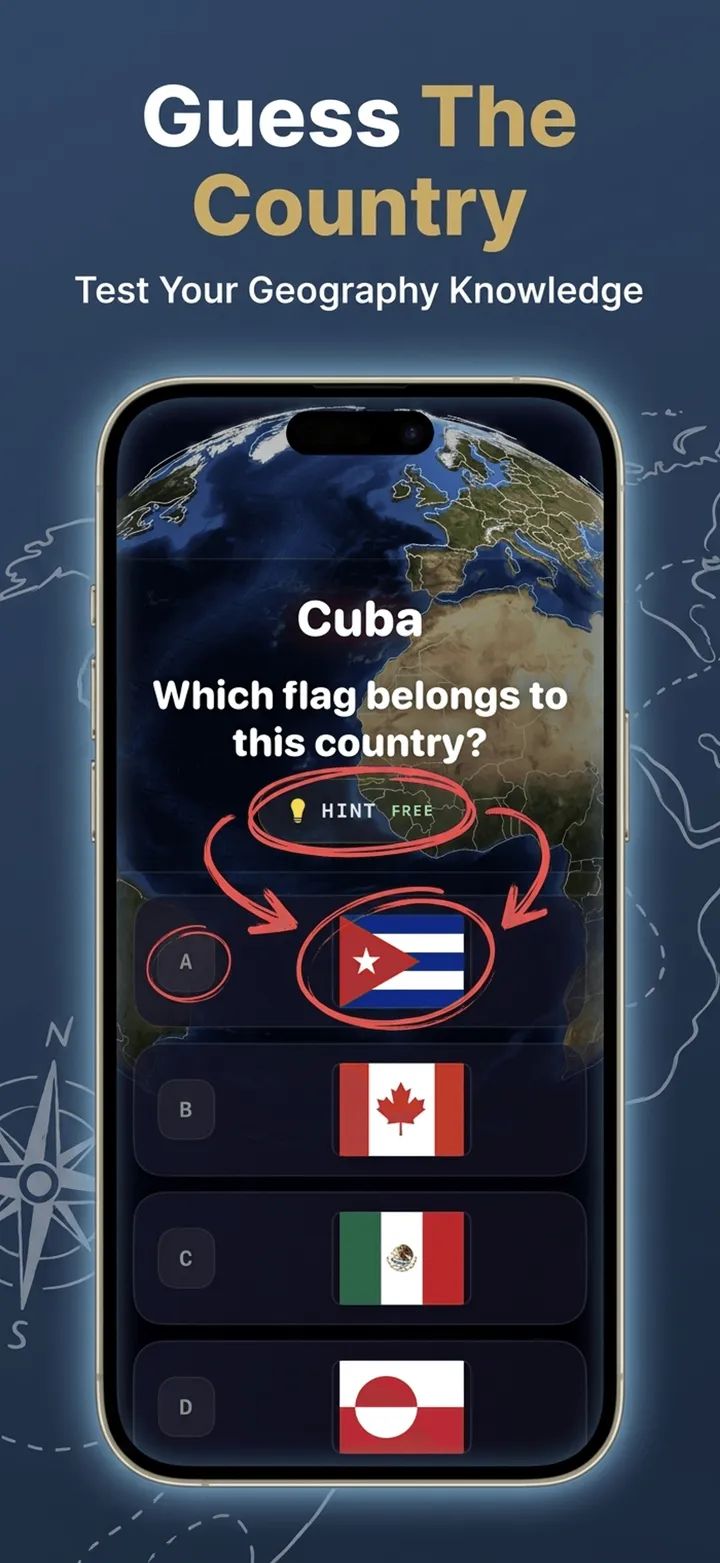
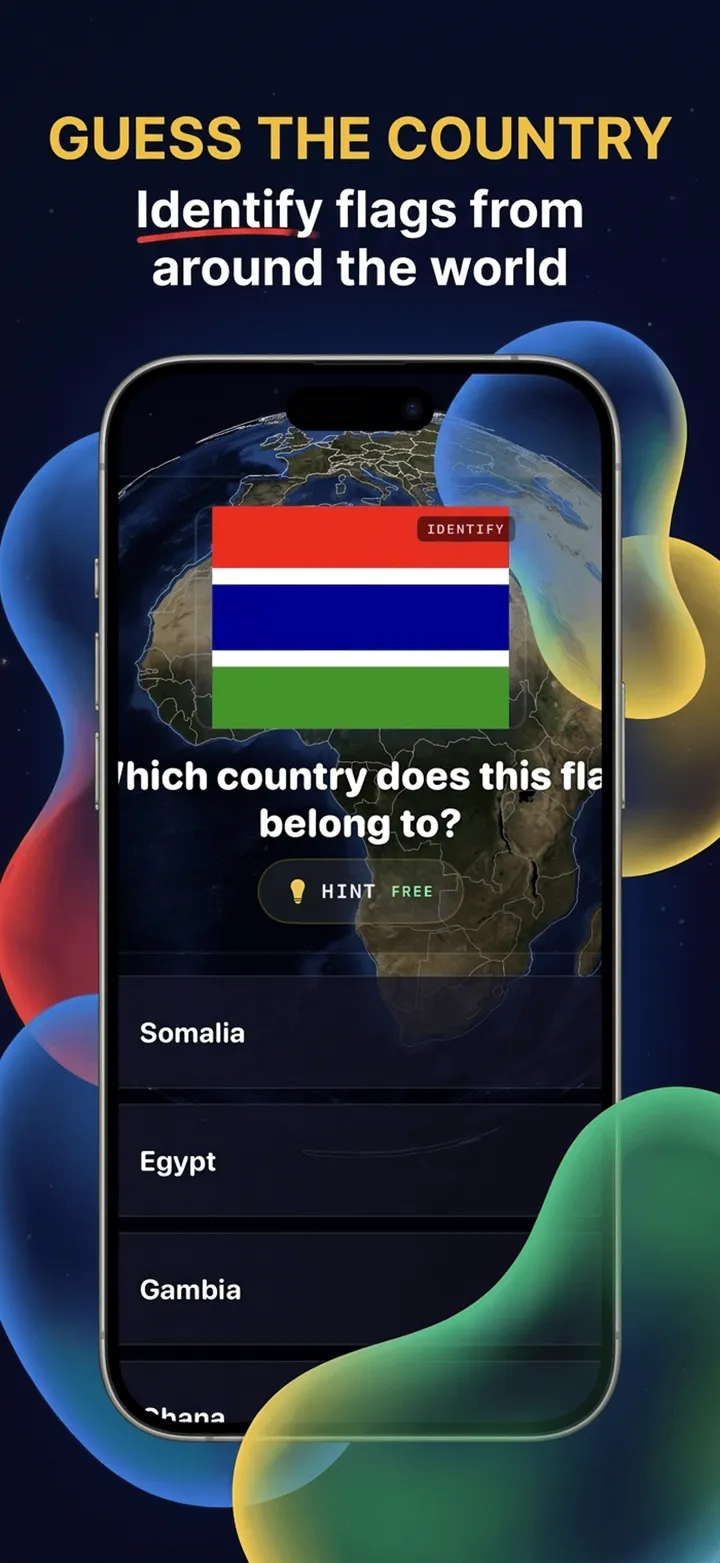
hover to pause · drag to scrub
The copy too — title, subtitle, keywords, descriptions
One short pitch in, an entire App Store and Play Store listing out — tuned to every character limit, generated in 12 languages. 1 credit per pack.
App store screenshot generator FAQ
What is the best app store screenshot generator?
A good app store screenshot generator should do three things: produce a cohesive set (one palette, one type system across all frames) rather than isolated images, export at the exact pixel dimensions each store requires, and work from your real app screens instead of generic templates. Storeshot is built around exactly that: you drop in raw screenshots and it plans a color palette, picks designer typography, writes headline copy, and composes the whole set in one pass — no design skills or software required. It covers iPhone, iPad, Android phone, and Android tablet in portrait and landscape. Your first two generations are free with no signup, so you can judge the output quality on your own app before deciding anything.
How do I make App Store screenshots?
The process has five steps: capture clean source screens (real content, frozen status bar, native resolution), pick the right dimensions for your device class, write benefit-led headlines of six words or fewer, compose each frame with a consistent palette and typography, and export at exact store sizes with no alpha channel. Done by hand in Figma that's several hours per set. With Storeshot you upload the raw in-app screenshots, choose App Store or Google Play and a device, then pick a style — it composes the headline text, background, and device framing, and exports each image at the exact pixel dimensions the store requires, in a few minutes. Full detail in the step-by-step guide.
What size should App Store screenshots be?
For 2026 the App Store masters are the 6.9-inch iPhone (1260×2736 portrait) and the 13-inch iPad (2064×2752 portrait). Upload those and Apple scales them for every smaller device automatically; the 6.5-inch sizes (1242×2688 or 1284×2778) are only required if you skip the 6.9-inch set. Google Play is more flexible — anything between 320px and 3840px with an aspect ratio between 16:9 and 9:16 works, but 1080×1920 is the standard for phones and 1536×2048 for tablets. Landscape is the same numbers swapped. Files must be PNG or JPEG, RGB, under 8 MB, with no transparency — and dimensions must be exact, because App Store Connect rejects images that are even one pixel off. Storeshot exports all of these sizes automatically — see the full size guide for every device class.
Is there a free app store screenshot generator?
Yes — Storeshot gives you 2 free generated screenshots with no signup and no credit card, enough to produce a real before/after on your own app rather than judging from someone else's demo. See what the free app store screenshot generator includes. The free generations are full-quality: same AI pipeline, same exact store dimensions, no watermark. After that, credit packs are one-time purchases — $8 for 25 screenshots or $18 for 70 — with no subscription and credits that never expire. For comparison, most free screenshot tools are template-based (you do the design work yourself inside their editor), while fully designed sets are usually gated behind a monthly subscription.
Can AI create App Store screenshots?
Yes, and it works best as a designer rather than an inventor. Storeshot uses generative AI to do the design work around your real app screens: it reads what's on each screen, plans a palette for the whole set, designs the background and device framing, and lays out headline copy — then a separate processing step resizes everything to exact store dimensions, since AI models don't reliably honor pixel sizes on their own. What the AI doesn't do is fabricate your app: your actual UI stays the subject of every frame, which is what App Store browsers want to see anyway. You stay in control of the store, device, orientation, and style, and you can regenerate any single frame with feedback until it's right.
Does it work for Google Play screenshots too?
Yes. Storeshot generates both App Store (iPhone at 1260×2736, iPad at 2064×2752) and Google Play (phone at 1080×1920, tablet at 1536×2048) screenshots, in portrait or landscape. Play has different rules worth knowing: phone screenshots are required (minimum 2, maximum 8), tablet sets are needed for tablet visibility, and Google accepts a wider range of sizes — but a designed, cohesive set matters just as much there, because on Play your screenshots mostly appear on the listing page where undecided users make their final call. You pick the platform and device up front, and the same generation flow produces the correct dimensions for each.
App store screenshot guides






