App store screenshot
generator, composed for you.
Drop in your screenshots, pick a store, pick a vibe. We'll handle palette, typography, and composition.
From a raw screenshot to a store-ready one.
Real before/after pairs from Flag Quiz 3D. Watch them cross the divider — or grab the strip and scrub yourself.
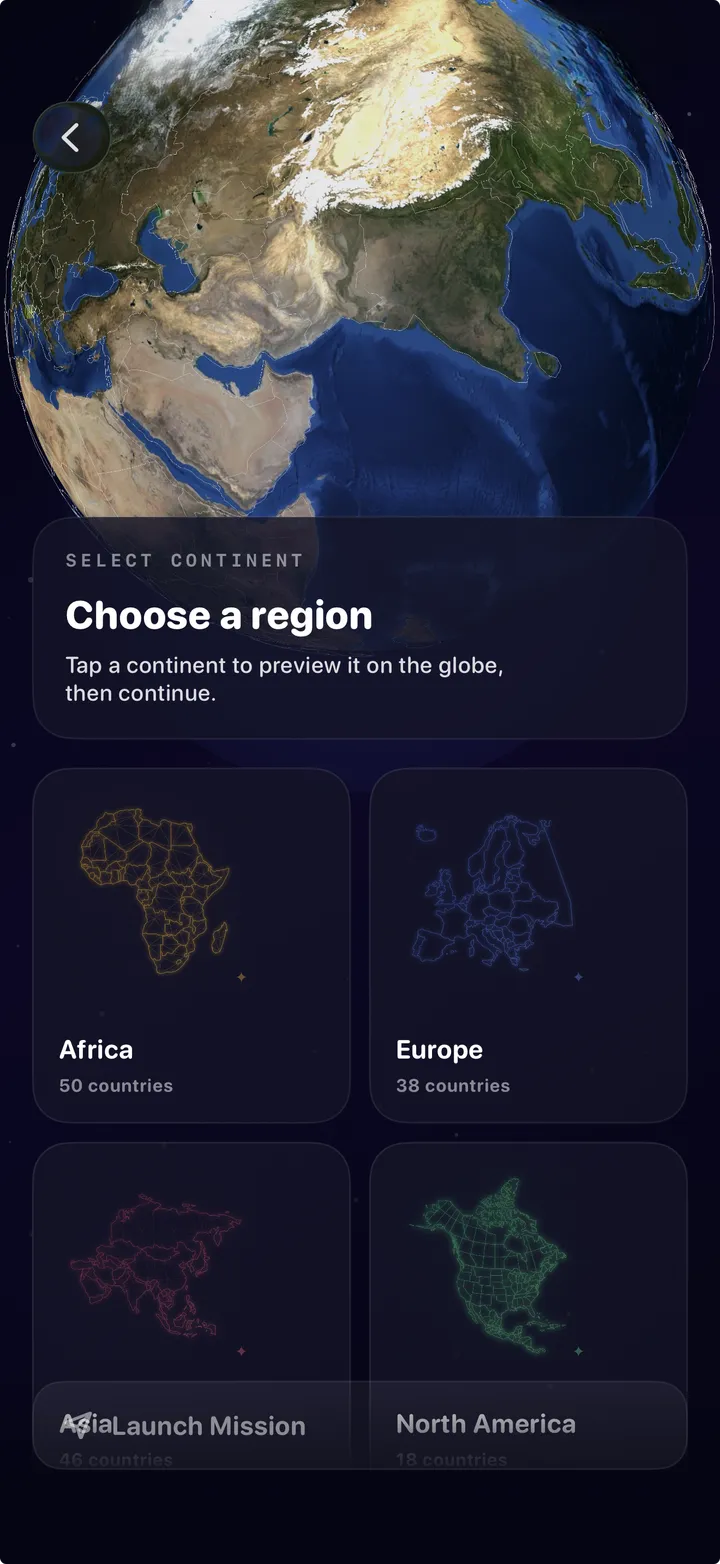


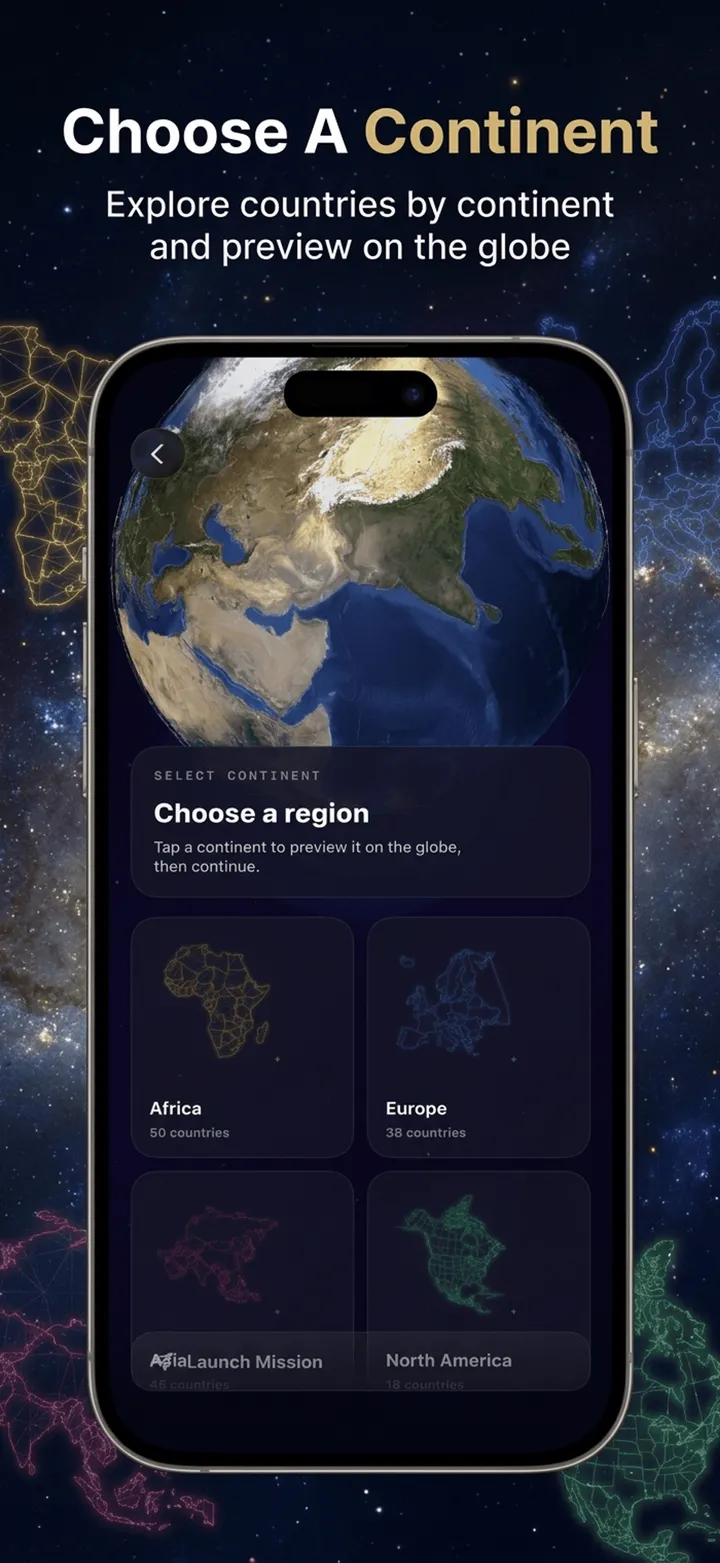
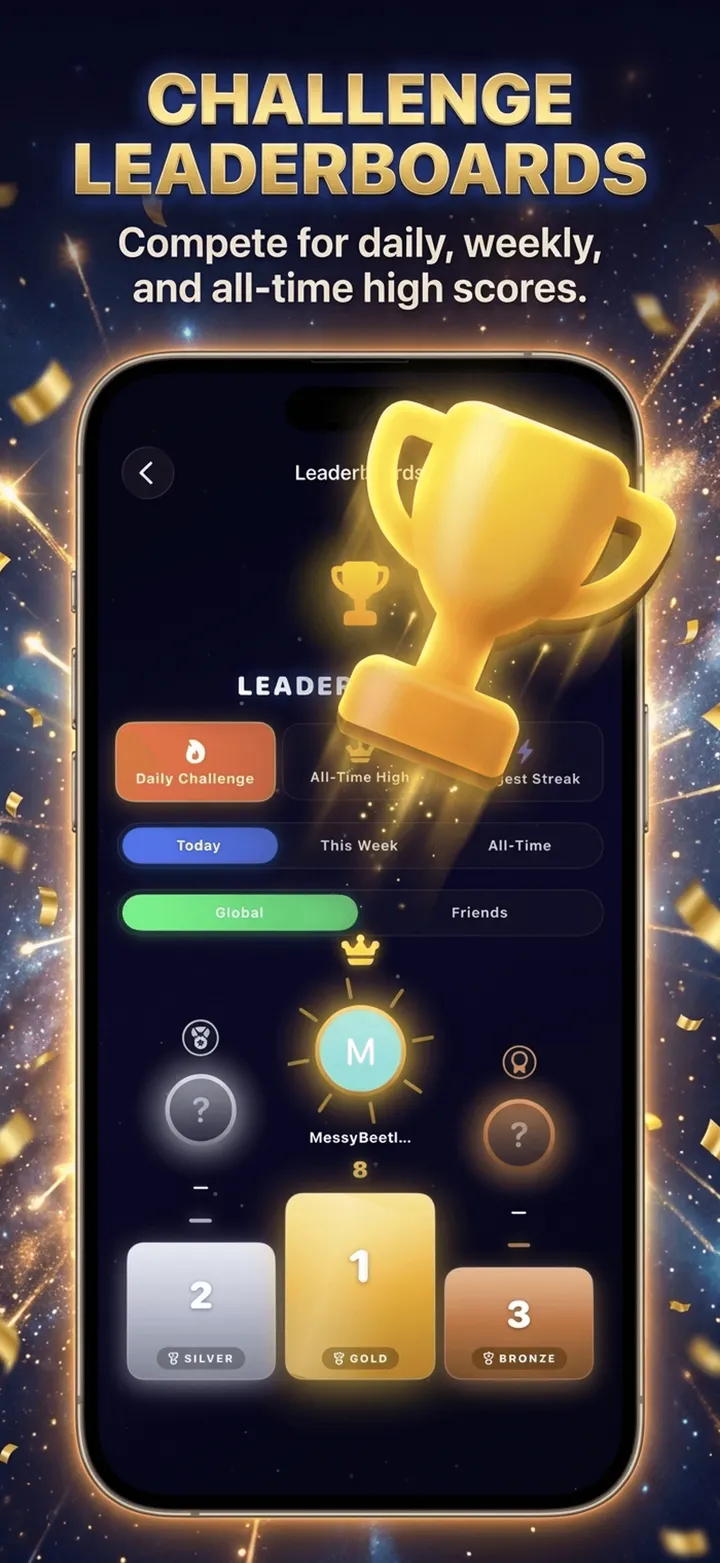

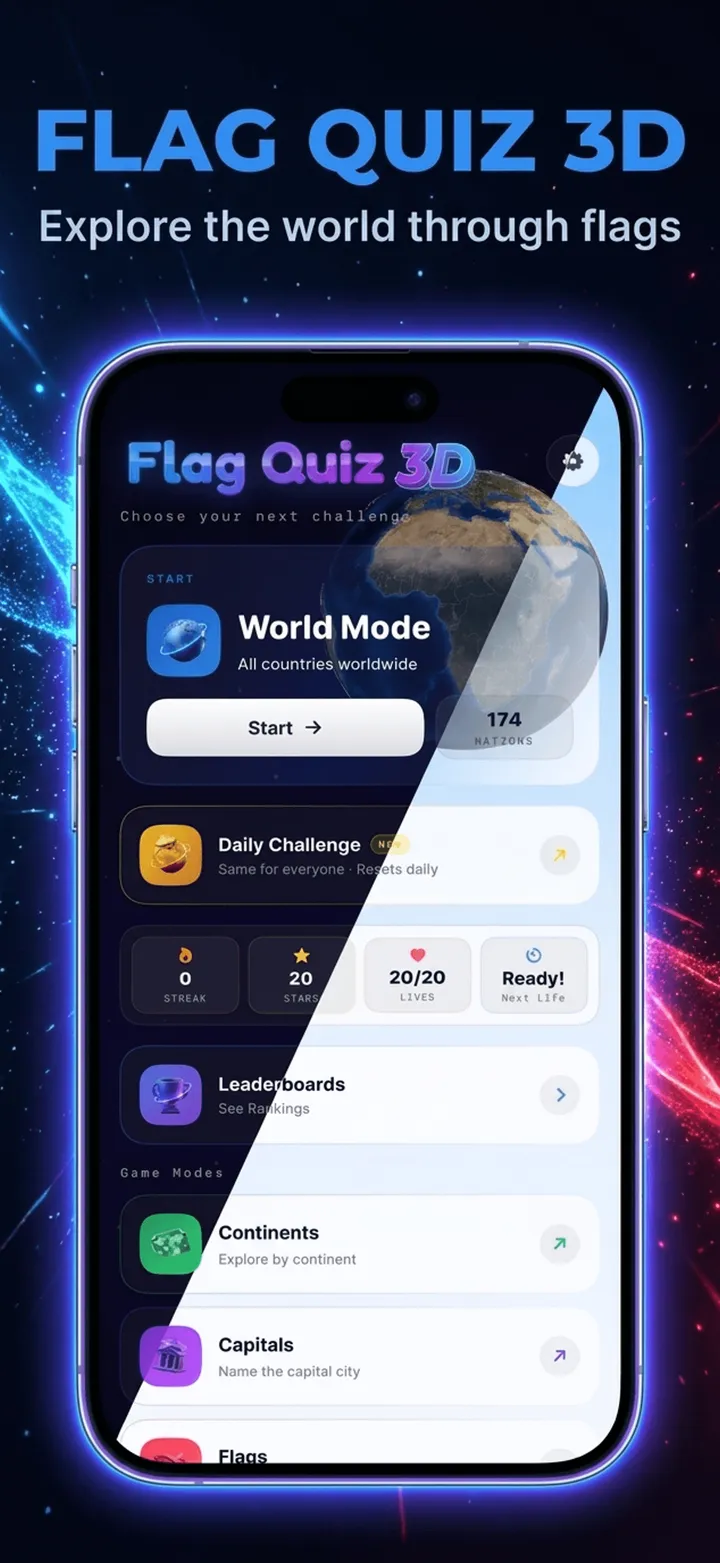


hover to pause · drag to scrub
The copy too — title, subtitle, keywords, descriptions
One short pitch in, an entire App Store and Play Store listing out — tuned to every character limit, generated in 12 languages. 1 credit per pack.
App store screenshot generator FAQ
What is the best app store screenshot generator?
Storeshot turns raw app screenshots into store-ready App Store and Google Play screenshots in one pass, with a planned color palette, designer typography, and a cohesive set — no design skills required. Your first three generations are free with no signup.
How do I make App Store screenshots?
Upload your raw in-app screenshots, choose App Store or Google Play and a device, then pick a style. Storeshot composes the headline text, background, and device framing, and exports each image at the exact pixel dimensions the store requires.
What size should App Store screenshots be?
For 2026 the App Store masters are the 6.9-inch iPhone (1320×2868) and the 13-inch iPad (2064×2752); Google Play phones use 1080×1920. Storeshot exports these exact sizes automatically — see the full size guide for every device.
Is there a free app store screenshot generator?
Yes — Storeshot gives you 3 free generated screenshots with no signup and no credit card. After that, credit packs start at $8 for 25 screenshots.
Can AI create App Store screenshots?
Yes. Storeshot uses generative AI to design the background, choose a palette, and lay out headline copy around your real app screens, then resizes everything to exact store dimensions. You stay in control of the store, device, and style.
Does it work for Google Play screenshots too?
Yes. Storeshot generates both App Store (iPhone, iPad) and Google Play (phone, tablet) screenshots, each at the platform's correct portrait dimensions.